
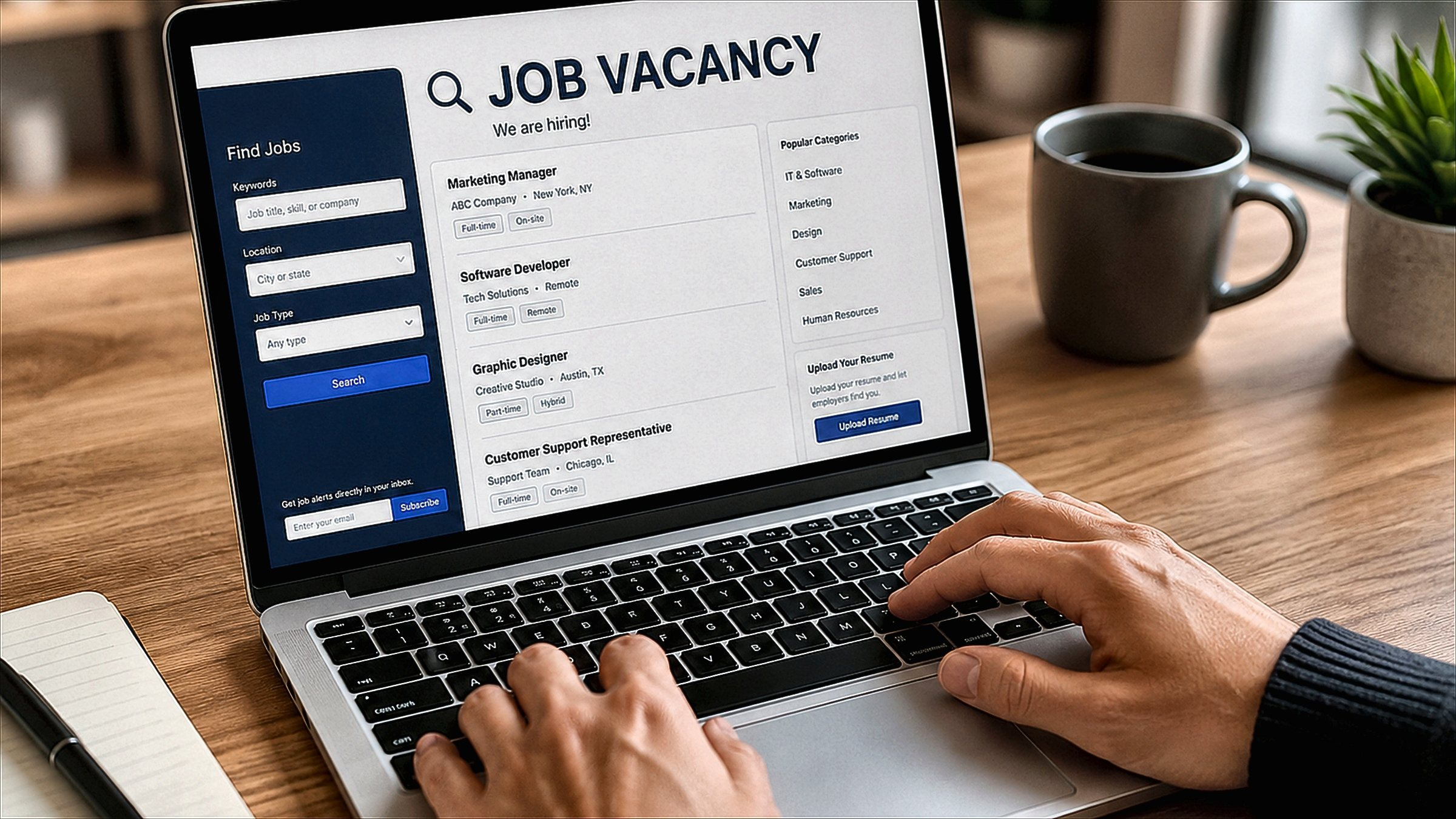
A recruiter message can look convincing because scammers copy the language, logos, and job titles used by real companies. The safest approach is to slow the conversation down and verify the details independently before you share documents, click a link, or send money.

Check who contacted you
Look at the sender’s name, email address, profile, and employer. A recruiter can work for a staffing agency rather than the company advertising the role, so an agency address is not automatically a problem. What matters is whether the person and the role can be verified.
Compare details across independent sources
Search for the company on its official website and look for the vacancy or careers page yourself. Do not rely on the link inside the message. Compare the job title, location, team, and basic requirements. Inconsistencies are a reason to stop and check.
Money is a major warning sign
Requests for money, gift cards, cryptocurrency, “registration fees,” paid equipment deposits, or unusual training payments are major warning signs. A legitimate hiring process should not require candidates to pay money in order to receive an offer.
Be careful with payment and banking requests
Do not send card details, online banking credentials, one-time codes, or crypto payments because a sender says the request is part of the hiring process. A job offer is not a reason to bypass normal security rules.
Look closely at links and attachments
Unexpected links can lead to fake login pages or downloads. Hover over a link on desktop before opening it and inspect the domain. If the message asks you to install software, enable macros, or upload identity documents immediately, verify the request through an official company channel first.
Do not let urgency make the decision for you
Scammers often create pressure: “respond in 20 minutes,” “the position will close today,” or “send the fee now to secure the slot.” A real hiring team may have deadlines, but you should still be able to verify who they are and why they are contacting you.
Verify the person, not just the company
Find the recruiter independently through the employer’s site or a professional network. If you are dealing with an agency, check whether the agency is a real business and whether the recruiter appears to work there. Use contact details you found yourself rather than only the ones supplied in the message.
What to do when you are unsure
- Stop sharing information.
- Do not pay anything.
- Open the company website separately and verify the vacancy.
- Contact the employer through an official channel if necessary.
- Keep copies of the message, sender details, and suspicious links in case you need to report it.
If you already clicked a suspicious link
Close the page and avoid entering more information. If you submitted a password, change it from a trusted device and turn on stronger account protection. If financial or identity information was exposed, contact the relevant bank, service provider, or fraud-response channel promptly.
Conclusion
A genuine recruiter should be able to survive basic verification. Check the sender, confirm the vacancy independently, refuse payment requests, and treat unexpected links or document requests carefully. Taking ten minutes to verify the conversation is far safer than trying to fix a rushed mistake later.
Frequently Asked Questions
How can I check whether a recruiter message is genuine?
Verify the sender, employer, role, application route, and agency relationship independently. The details should be consistent across sources.
Will a legitimate recruiter ask for money?
A normal hiring process should not require a candidate to pay a recruiter to receive a job offer. Payment requests are a major warning sign.
Is an agency email domain automatically suspicious?
No. External recruiters often use agency domains. What matters is whether the agency and employer relationship can be verified.
What information should I avoid sharing early?
Do not share passwords, one-time codes, banking credentials, crypto payments, or unnecessary identity documents before the employer and process are verified.
What should I do if I already clicked a suspicious link?
Stop the interaction, change affected passwords if necessary, enable stronger account security, and use your organisation or service provider’s fraud-response process if sensitive information was exposed.

Article Reviewed by Vikram Singh
Senior Career & Recruitment Analyst at Rozgar Tak. Dedicated to sharing verified career roadmaps, exam notifications, and tech job industry insights.
